Do not format when the computer asks
Windows shows "You need to format the disk in drive A: before you can use it" when it cannot read a disk. Formatting erases what is still there. Click Cancel.
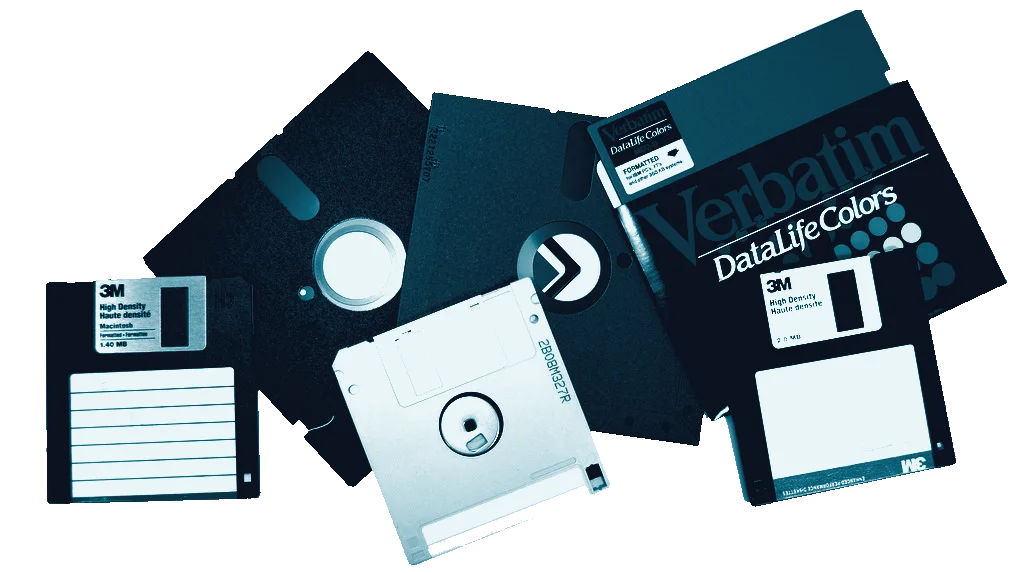
Old floppies still hold letters, theses, family records, business files and programs nothing current can open. We read 3.5″ and 5.25″ disks from PCs, Macs, Apple II, Commodore and CP/M machines, plus Zip, Jaz and SCSI media, recover what is readable, and deliver the files in a form you can use today. Drop off in the Denver area or send them by mail.
What we read
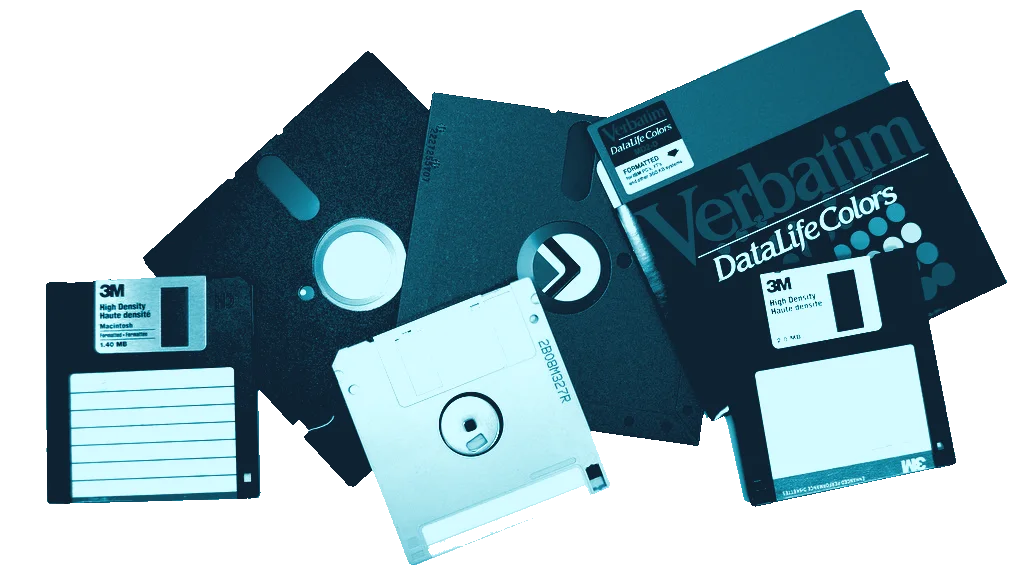
A floppy is only readable in a drive that speaks its format. These are the disks our equipment reads.
| Disk | Capacity | Notes |
|---|---|---|
| IBM PC and Windows, 3.5″ | 720 KB · 1.44 MB | DOS and Windows disks, double and high density |
| IBM PC and Windows, 5.25″ | 360 KB · 1.2 MB | The older, bendable disks in paper sleeves |
| Apple Macintosh, 3.5″ | 400K · 800K · 1.44 MB | 400K and 800K Mac disks are a format USB floppy drives cannot read |
| Apple II, 5.25″ and 3.5″ | 140 KB · 800K | Apple II disks on drives made for them |
| Commodore 64 and 128 | 170 KB · 340 KB | Disks from 1541 and 1571 drives |
| Kaypro CP/M, 5.25″ | — | CP/M files copied off and handed over as files you can open |
| Iomega Zip and Jaz, SCSI drives | Zip 100 / 250 / 750 MB · Jaz 1 / 2 GB | The removable cartridges that followed the floppy |
720 KB · 1.44 MB
DOS and Windows disks, double and high density
360 KB · 1.2 MB
The older, bendable disks in paper sleeves
400K · 800K · 1.44 MB
400K and 800K Mac disks are a format USB floppy drives cannot read
140 KB · 800K
Apple II disks on drives made for them
170 KB · 340 KB
Disks from 1541 and 1571 drives
CP/M files copied off and handed over as files you can open
Zip 100 / 250 / 750 MB · Jaz 1 / 2 GB
The removable cartridges that followed the floppy
Have something else, such as an 8″ disk or a format not listed? Call us before you send it and we will tell you whether we can read it.
How it works
The same lab that recovers failed hard drives does the transfer, so a disk that fails halfway gets a recovery, not a shrug.
Keep the disks in their sleeves or a small box and start a case. If you know which computer made them, write it down. Drop off at our authorized point in Greenwood Village, or ask for a free shipping label.
Each disk goes into a drive built for its format: a PC disk in a PC drive, an 800K Mac disk in a Mac drive. We copy the whole disk first, so a fragile disk is read as few times as possible.
Files come off that copy. Weak areas are read again until everything readable is saved. Old word-processor and spreadsheet files can be converted to formats today's software opens.
You get the files by secure download, on a USB flash drive, or on CD or DVD, and your original disks come back with them.
Before you send them
Most of the damage we see on the bench happened after the disk stopped reading, while someone kept trying.
Windows shows "You need to format the disk in drive A: before you can use it" when it cannot read a disk. Formatting erases what is still there. Click Cancel.
Spots or a white haze on the disk surface behind the shutter mean mold. A drive spinning it can scrape the coating, and its dirty heads then damage the next disk too.
On a 3.5″ disk, slide the corner tab so the square hole is open. On a 5.25″ disk, cover the notch on the side. Then nothing can write to it by accident.
Every retry wears the same weak spots. If a disk fails twice, put it aside for the lab.
Speakers, magnetic clasps and tool trays can erase parts of a disk. Store them cool and dry.
The computer, the program and the years. It tells us which drive to use and which file conversion you need.
Why your USB drive gives up
The USB floppy drives sold today read PC-format 3.5″ disks: 720 KB and 1.44 MB. That covers a lot of DOS and Windows disks, and nothing else.
Apple's drives wrote 400K and 800K Macintosh disks at changing speeds, so a USB drive cannot read them, even on a Mac. 5.25″ disks need a 5.25″ drive, and Apple II and Commodore disks were written in formats of their own.
So "my computer can't read it" often means the disk is fine and the drive is wrong. When the disk really has gone weak, every extra attempt in the wrong drive makes it worse.
Letters, manuscripts, theses, family trees and records kept in programs that no longer run. We copy them off and convert the documents so they open on today's computers.
Old accounting files, customer records and documents a business still has to keep. One transfer moves a whole box of disks onto current storage.
Some machines in manufacturing and education still load programs from floppies. Copy those disks while the last good one still reads.
Start a case with a short description of the disks: how many, what size, and which computer made them. Free evaluation, drop-off in Greenwood Village or a free shipping label, and a phone line that answers 24/7.
FAQ